
How to buy through PonyBuy
Start with a Findsheet listing, confirm the seller options and place the item order on PonyBuy.
Find an item
Search Findsheet by name, Weidian ID or seller URL. Try 7871821866 and open the matching result to inspect its seller photos.
Browse the spreadsheetOpen the matching PonyBuy listing
Compare the item ID, reference price and variant options. Use the PonyBuy button for the same Weidian listing, or copy the seller URL if you need to import it manually.
Open the Findsheet example
Findsheet product page. ① Open PonyBuy listing. ② Copy the original seller link. Confirm the live variant and quantity
On PonyBuy, choose the actual color, size and quantity offered by the seller. Recheck the live item total and domestic delivery before you select the available checkout option.
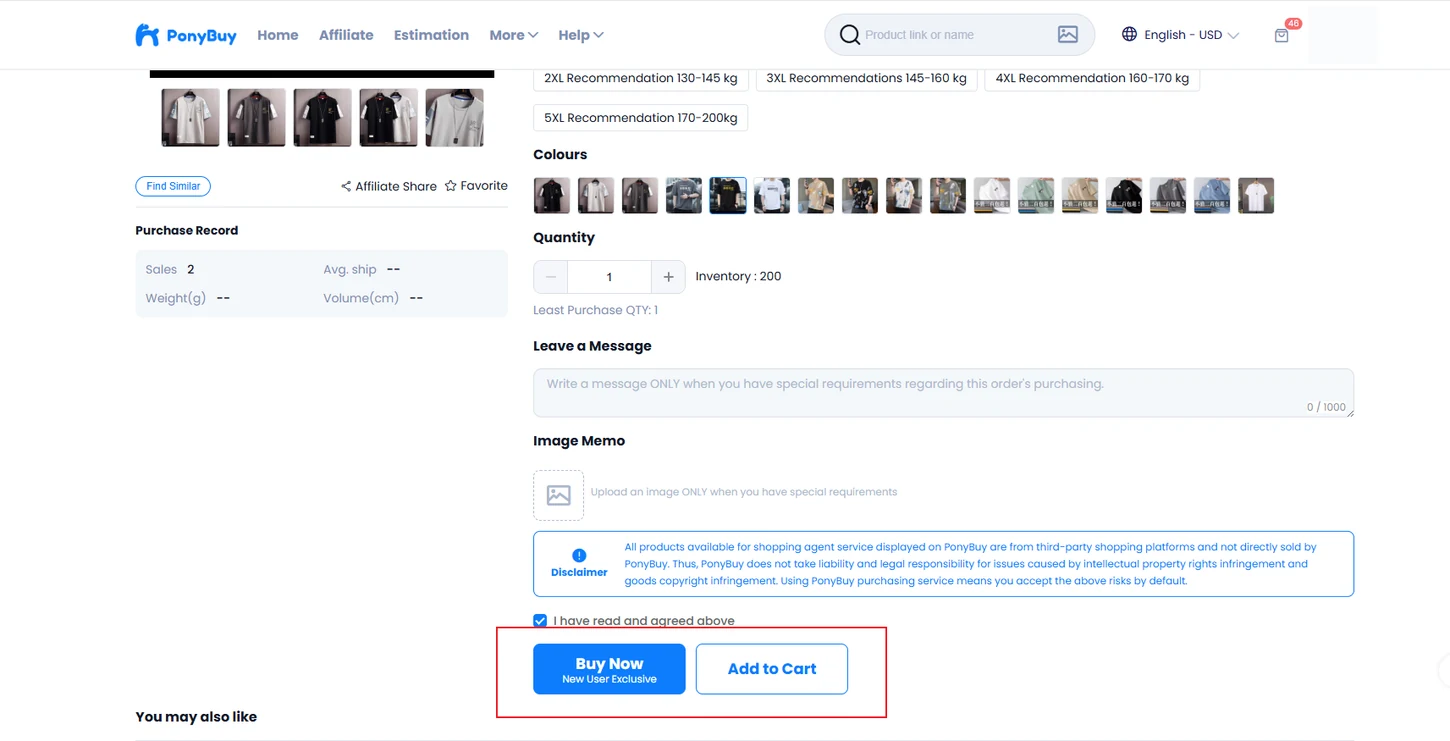
PonyBuy official example. ① Color options. The red outline marks Buy Now and Add to Cart. Review and pay for the item order
At checkout, confirm the item, seller delivery charge and any optional service before paying. Follow order updates until PonyBuy receives the item at its warehouse.
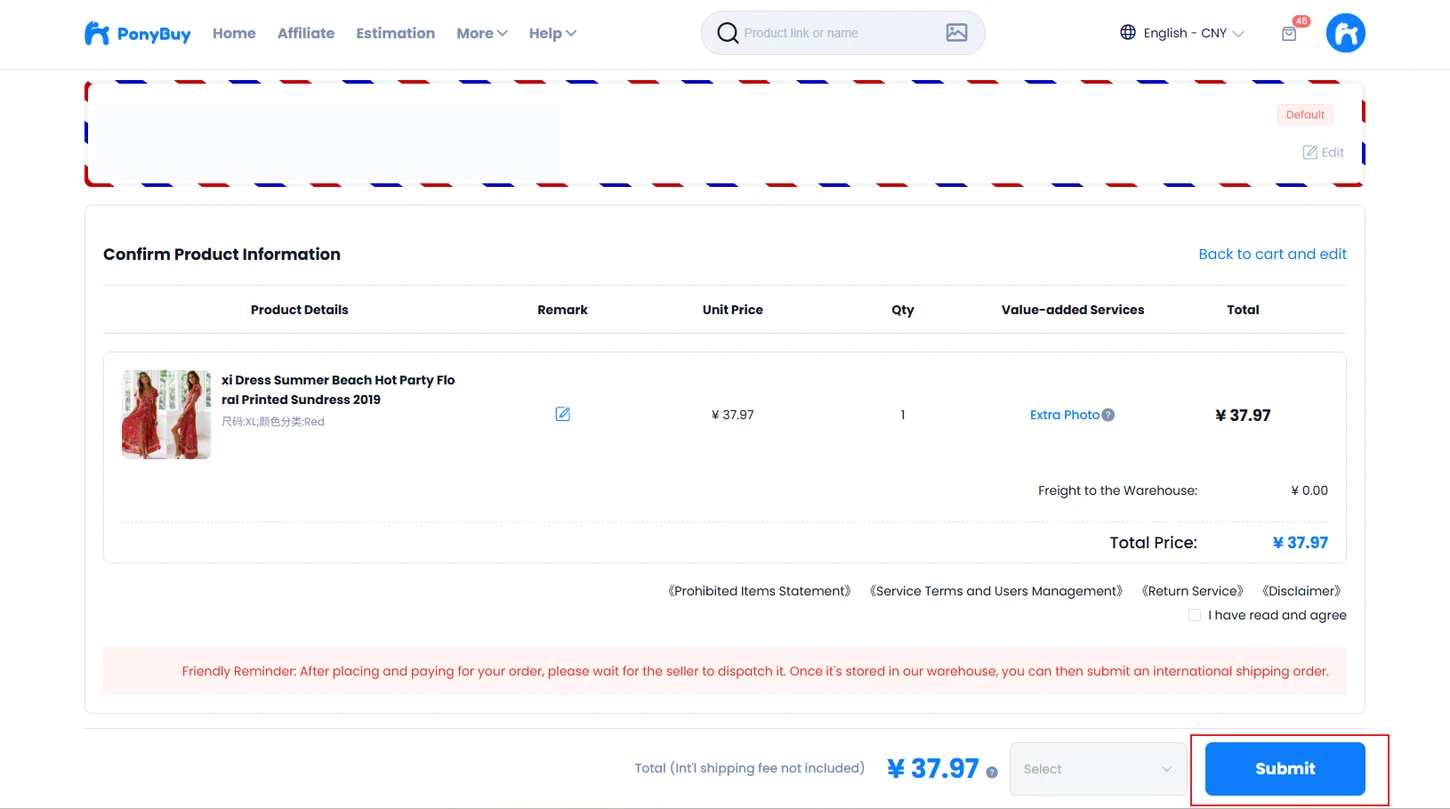
PonyBuy official checkout example showing the order summary and payment controls.