
How to consolidate, ship and track a parcel
Submit stored items for delivery and follow the tracking updates in PonyBuy.
Select items for the parcel
In Warehouse, select the inspected items you want to ship together. Review the destination, available shipping lines and any packaging or insurance you choose before submitting.
Review the shipping payment
Check the displayed shipping deposit, parcel details and extra charges before payment. Keep the parcel reference so you can find it later in User Center.
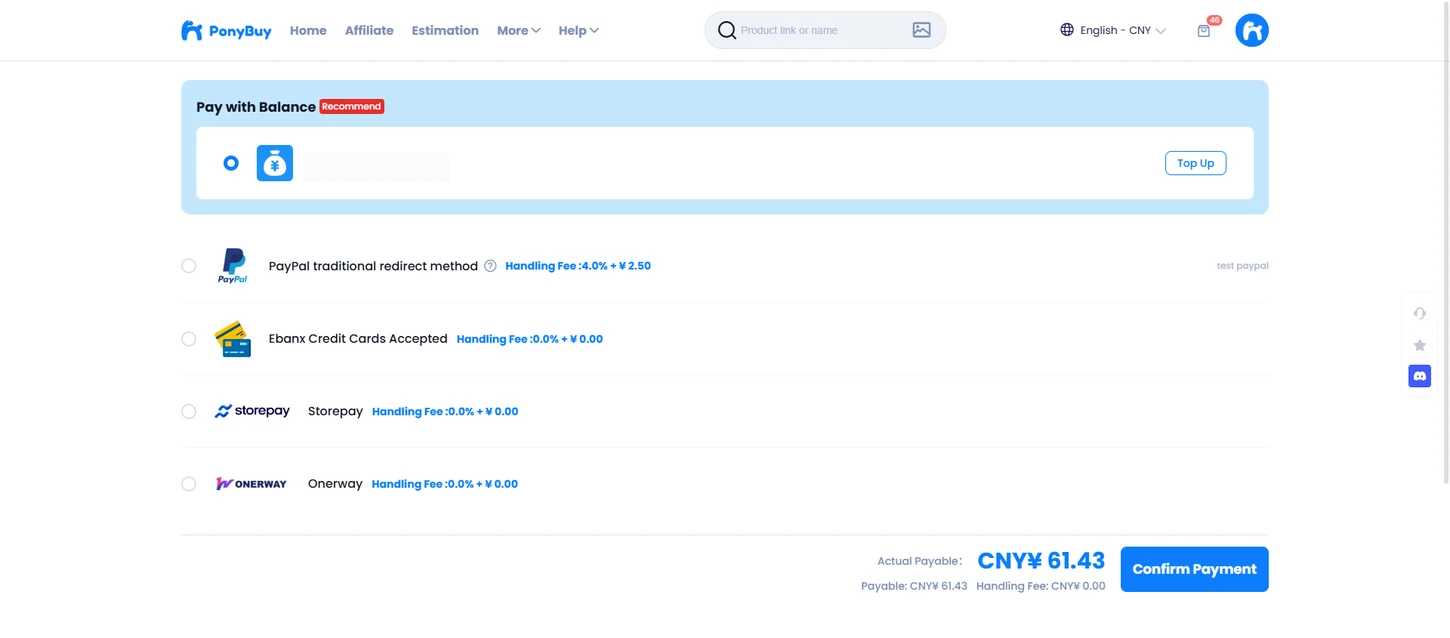
PonyBuy official parcel example showing the international shipping payment step. Track the parcel after dispatch
Open User Center → Parcels. Select the parcel to see its status and tracking details. If delivery stalls or there is an issue on arrival, use the parcel record when contacting PonyBuy support.
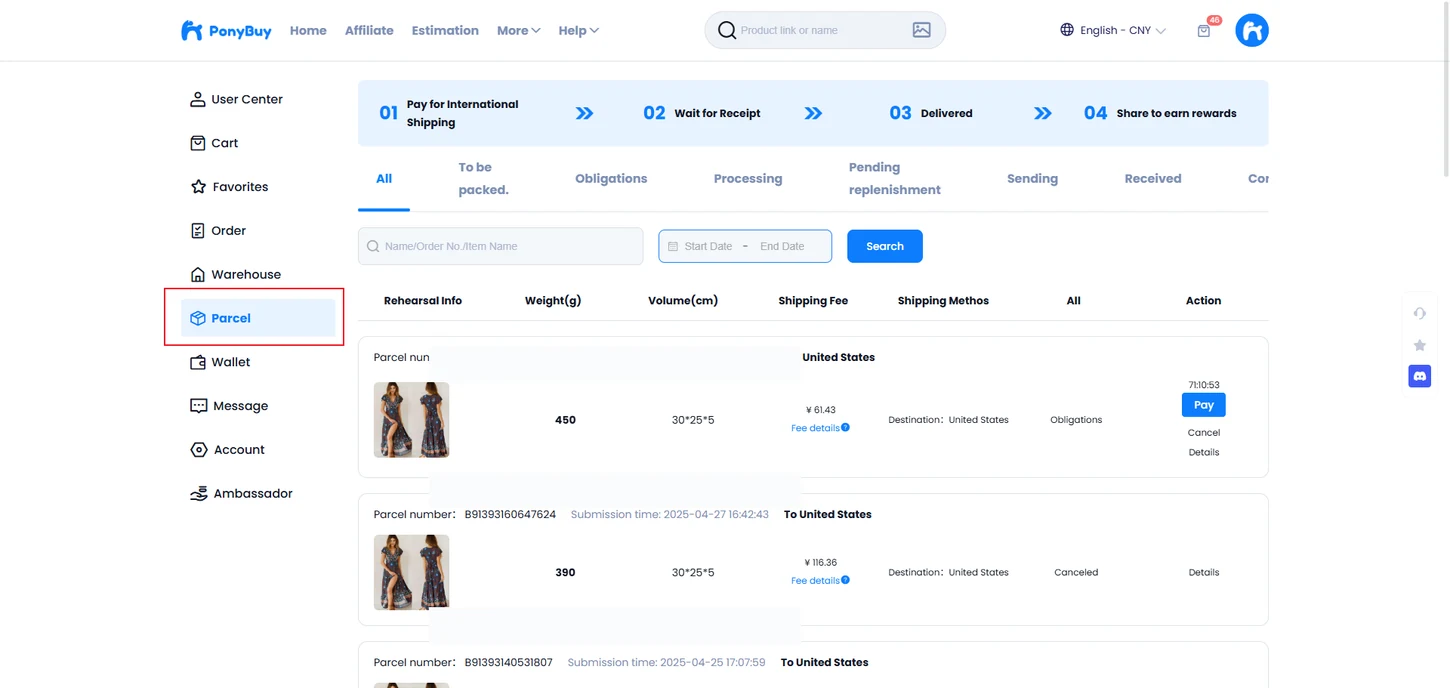
PonyBuy official Parcels example. The tracking controls appear on the parcel record.