
How to check a seller listing and its options
Match the listing ID, compare variants and open the same item in your preferred agent.
Match the seller and listing ID
Open the original seller listing from the platform menu. Compare the listing ID, seller photos and variant labels with the Findsheet product page.
Open the Findsheet exampleCompare size and style before paying
If the seller provides a size chart, compare its measurements with an item you already own. After opening PonyBuy or another platform, verify the selected variant and current price again. Findsheet selections help you compare options on this page.
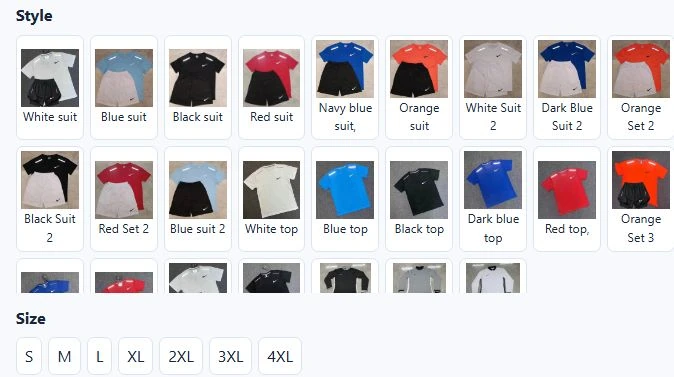
Findsheet product page with the seller’s style and size options marked.